Common Functions
Use common functions to check system information, switch tools, change language, and adjust the application appearance.
Windows Common Functions
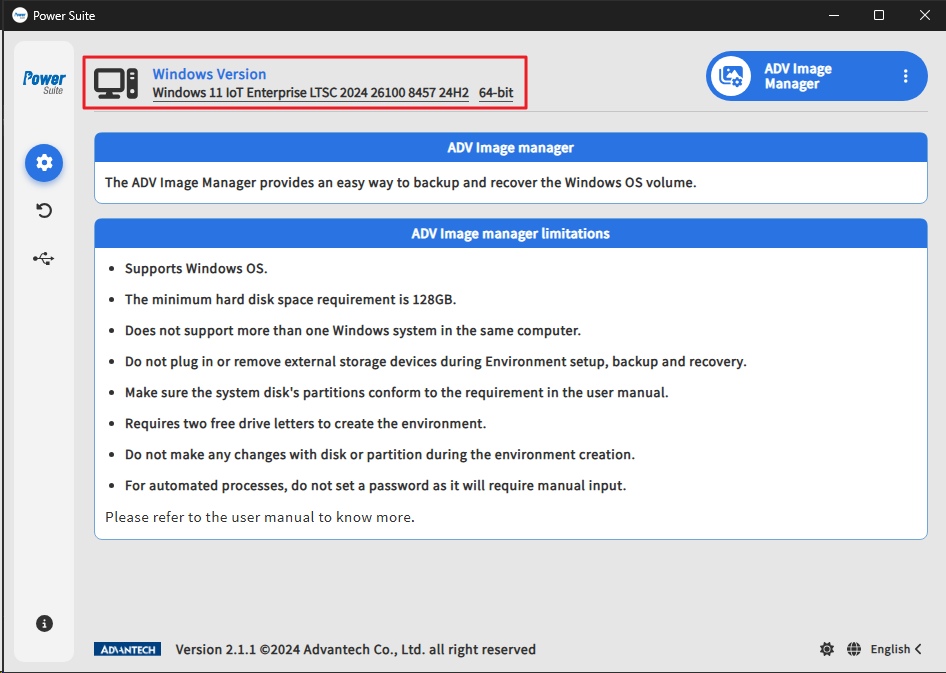
Windows Version
Shows the Windows version, build number, and architecture so users can confirm device compatibility.
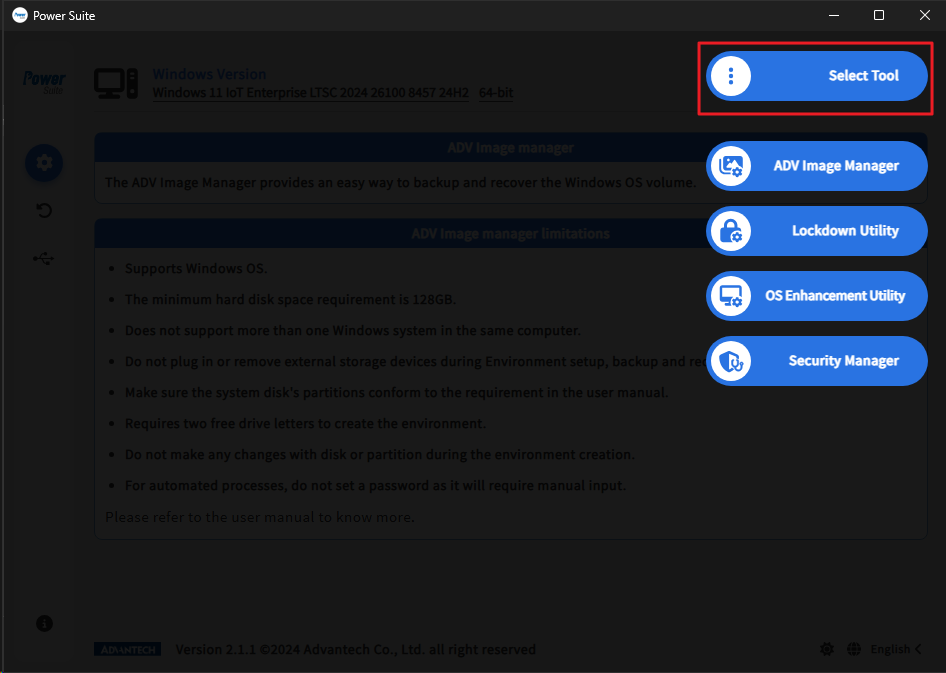
Select Tool / Utility
Provides access to ADV Image Manager, Lockdown Utility, OS Enhancement Utility, and Security Manager.
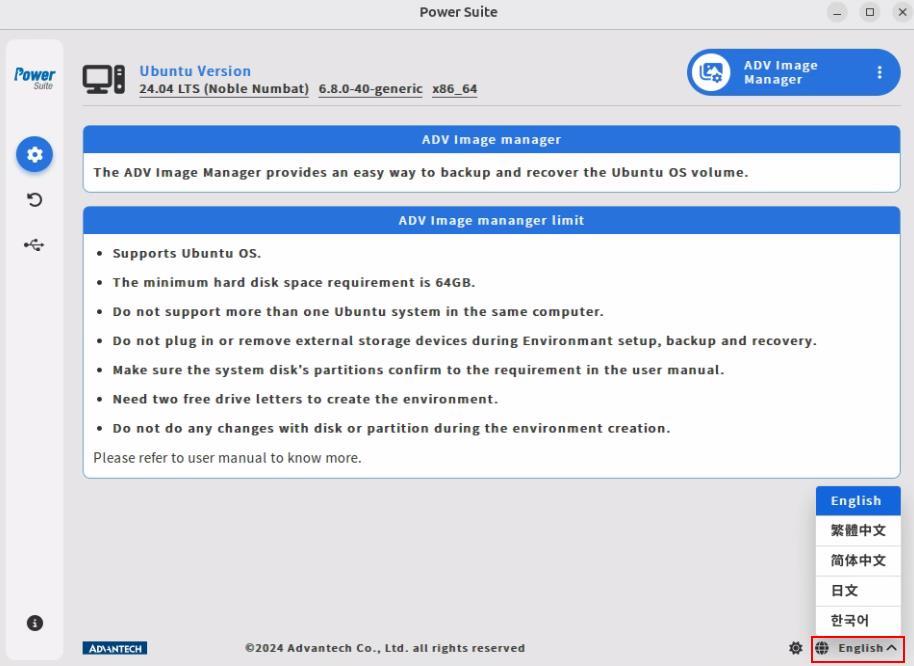
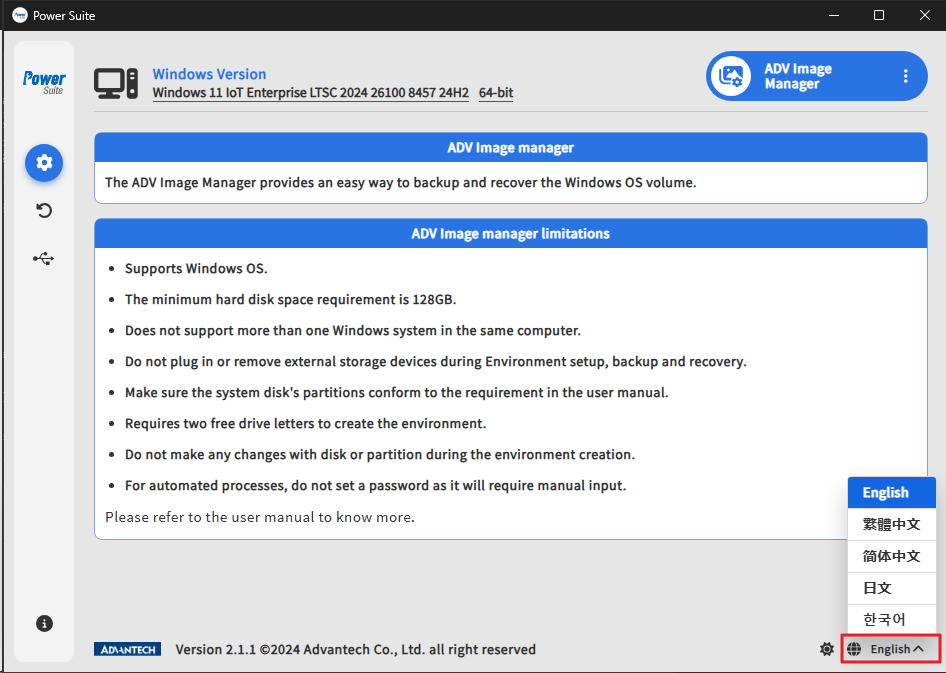
Change Language
Changes the Power Suite user interface language. The Windows manual lists English, Traditional Chinese, Simplified Chinese, Japanese, and Korean.
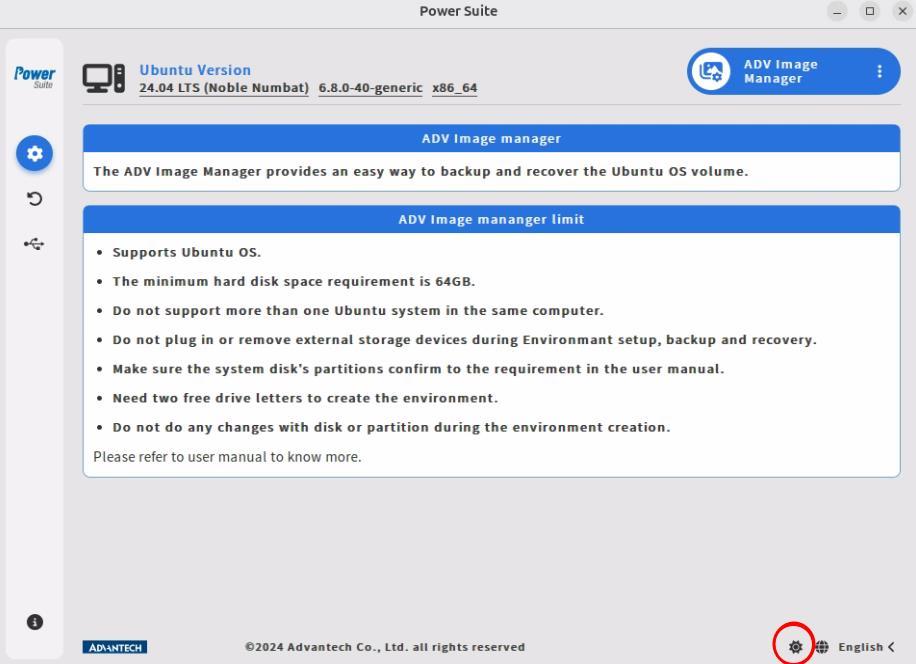
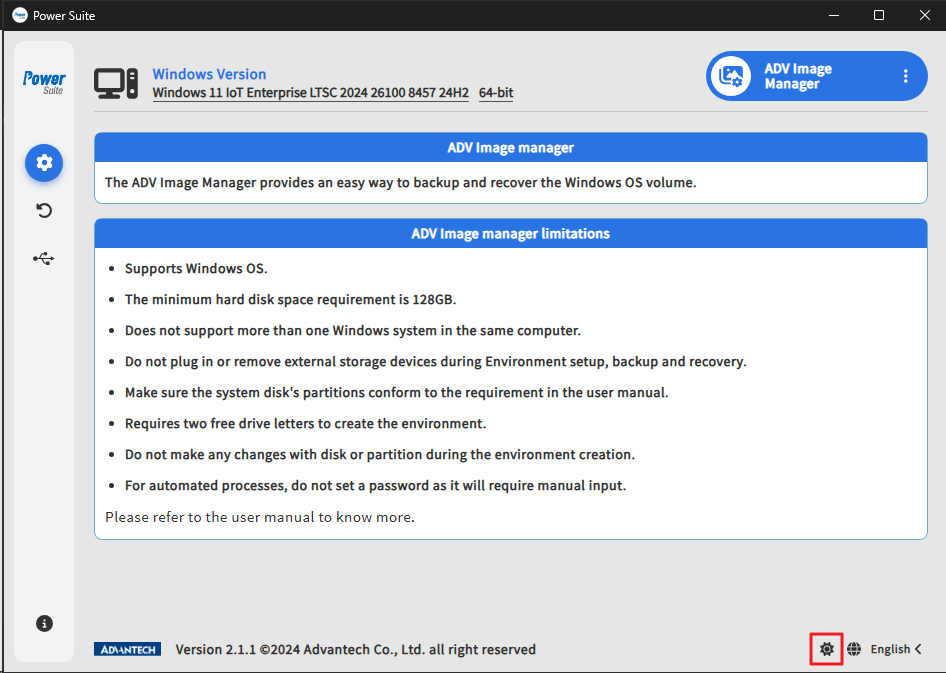
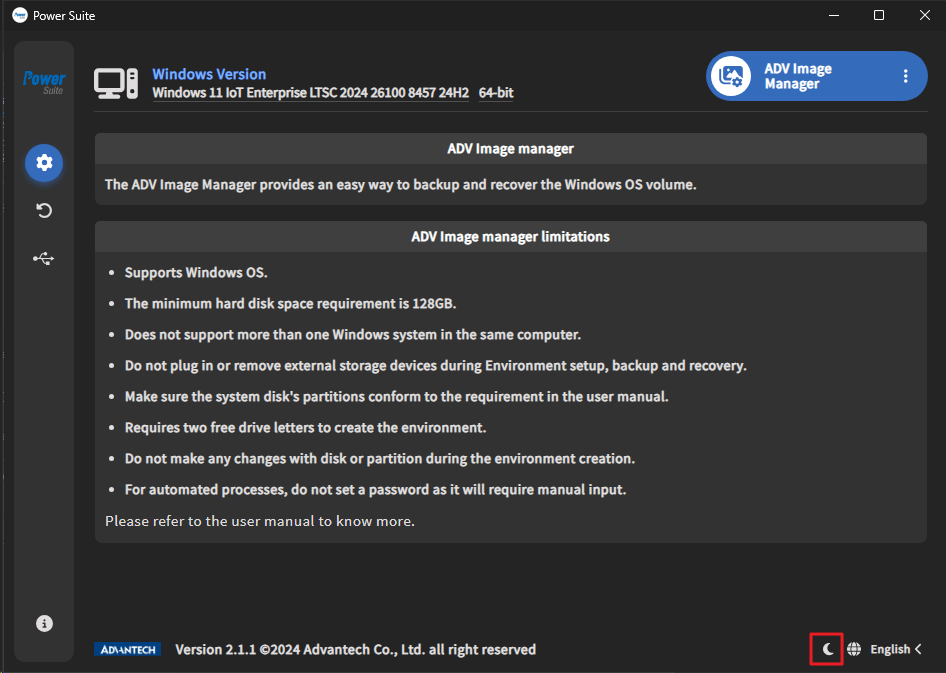
Switch Dark/Light Mode
Switches the Power Suite user interface between dark mode and light mode. Use this setting to match the operator environment or personal viewing preference.
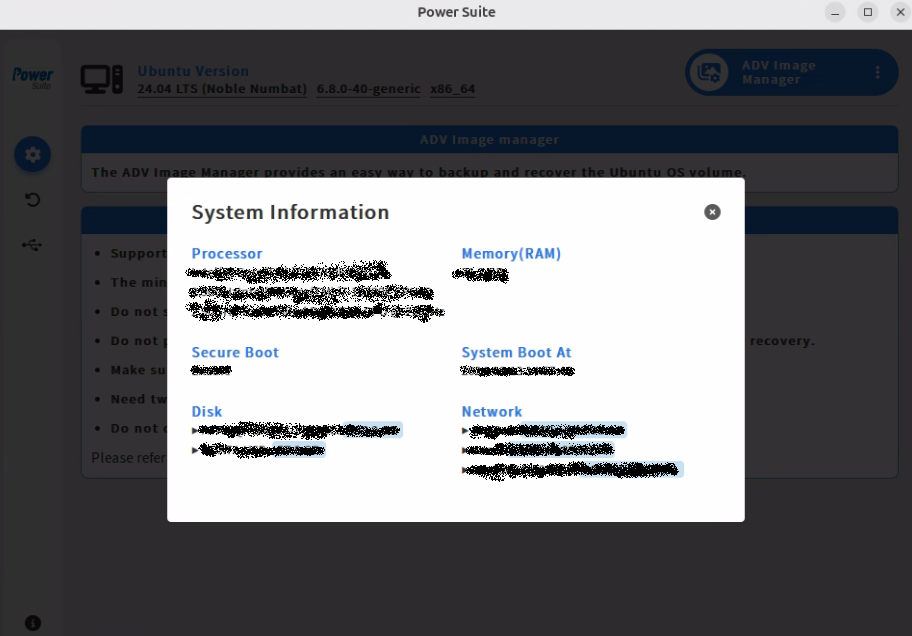
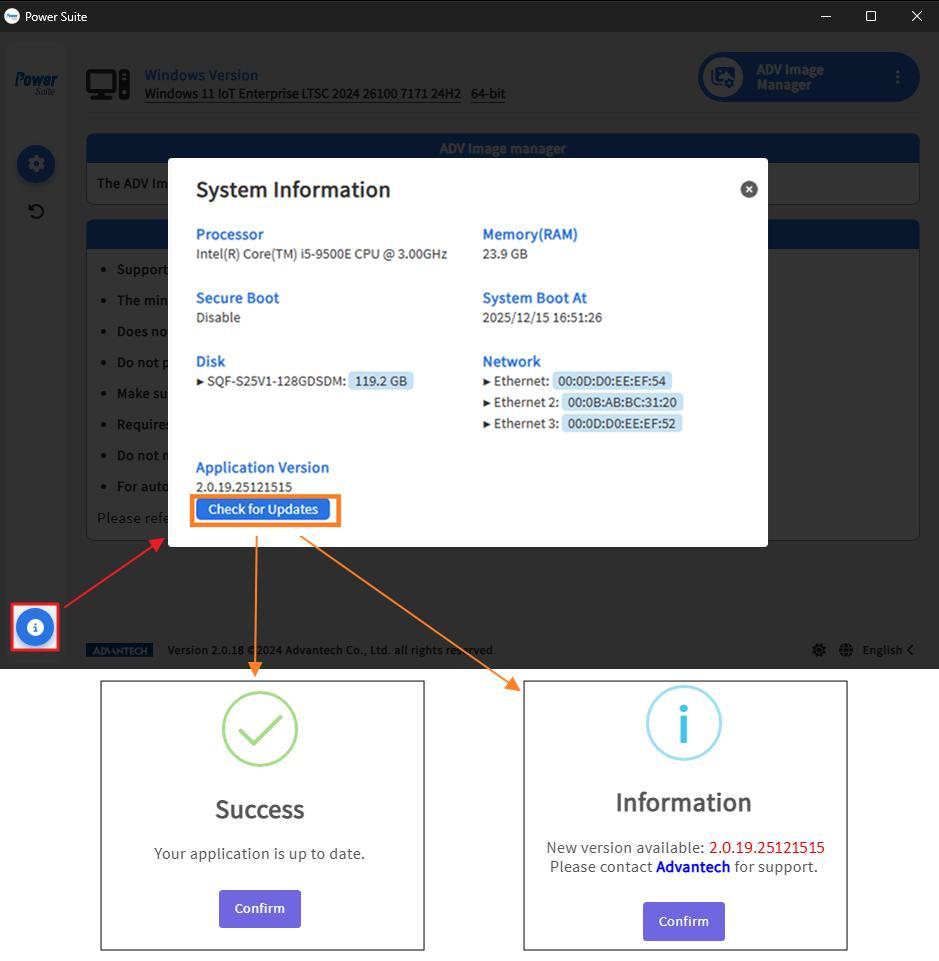
System Information
Displays system information from the Power Suite interface so users can quickly review device details without leaving the application.
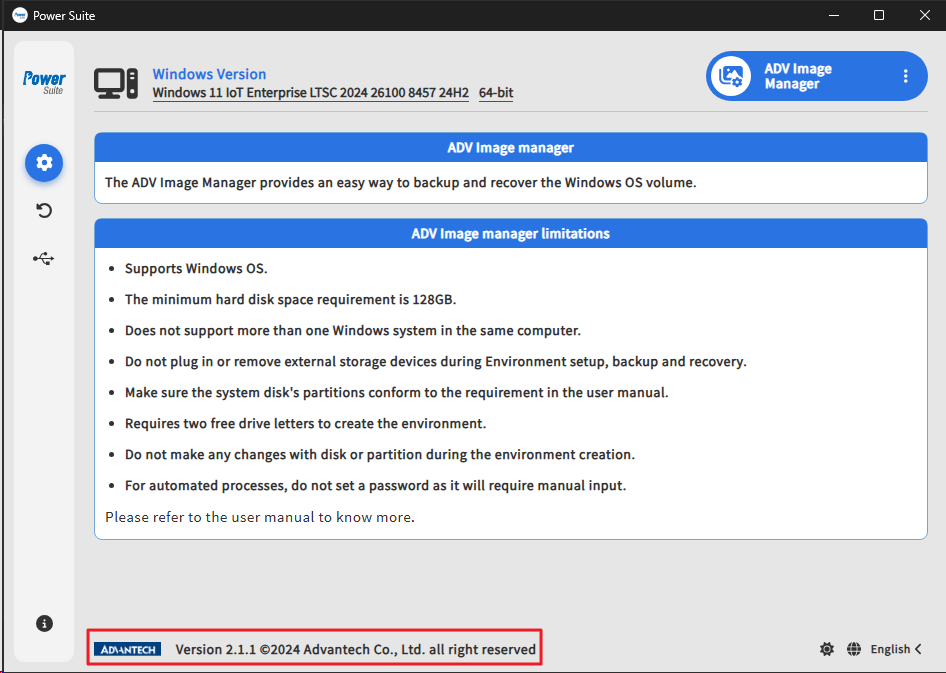
Copyright Notice
Shows the Power Suite copyright and version information. This is useful when confirming the installed application version before support, testing, or release-note review.
Uninstall Advanced Power Suite
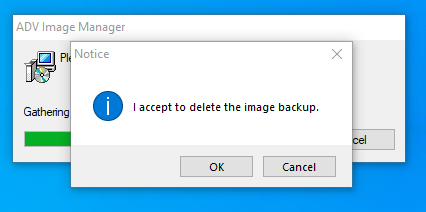
Provides the Windows uninstall flow for removing Advantech Power Suite from the device. For Ubuntu uninstall commands, see the Ubuntu uninstall section on the Installation page.